What is a Mini PC?
Introduction to Mini PCs
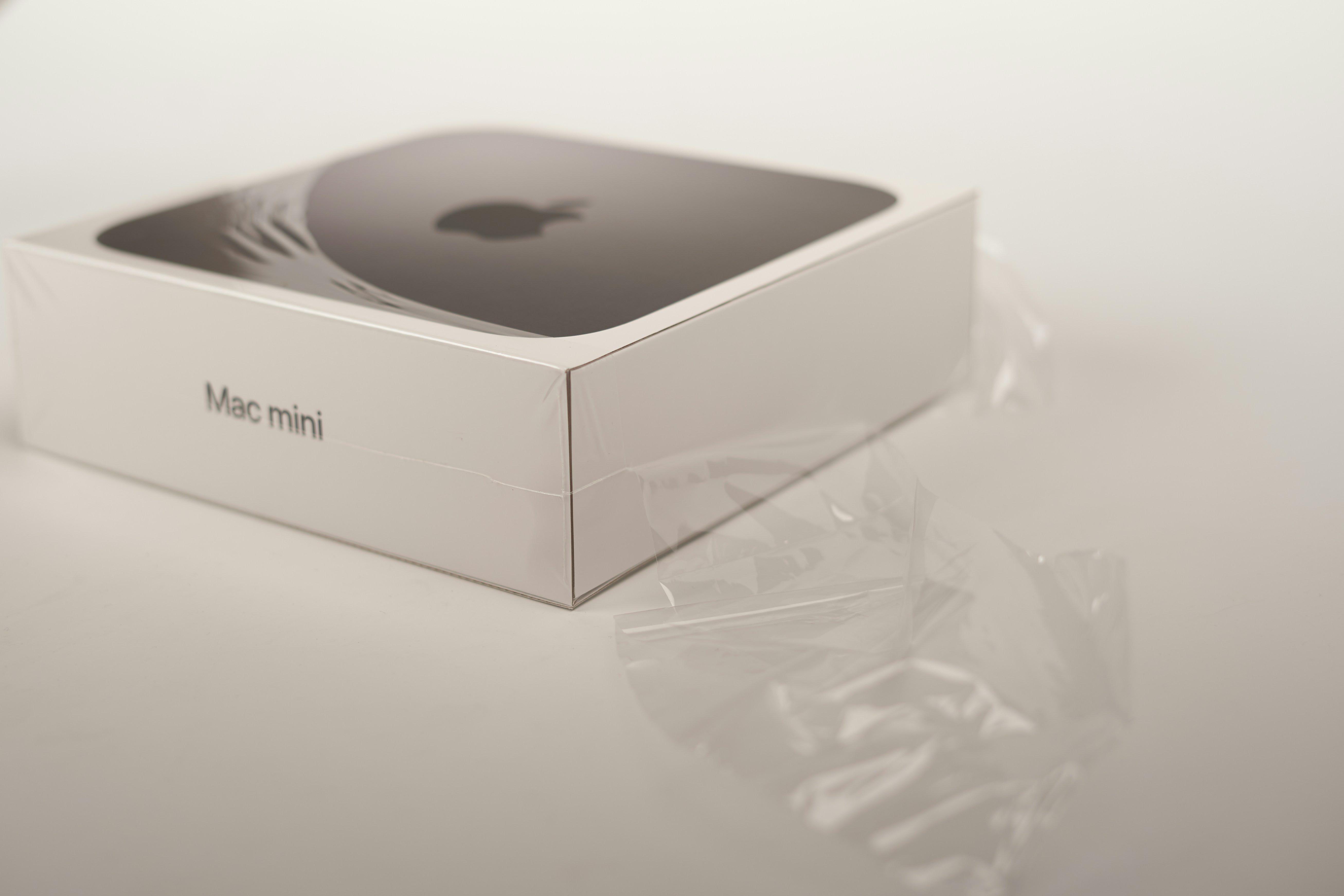
A mini PC is a compact computing device that performs similar functions to a traditional desktop computer but occupies significantly less space. This innovation in technology offers a blend of performance, efficiency, and portability that meets the evolving needs of users across various settings—from home offices to entertainment systems.
One of the standout characteristics of mini PCs is their small form factor, which allows them to fit into tight spaces while delivering powerful computing capabilities. Unlike standard desktop computers, which require larger cases and can be cumbersome, mini PCs have a sleek design that makes them a practical choice for users with limited space. Despite their size advantages, many mini PCs can accommodate powerful processors, ample storage, and integrated graphics, making them suitable for tasks ranging from basic computing to light gaming.
Another crucial aspect of mini PCs is their portability. Many models are lightweight and easy to transport, enabling users to set up a computing environment almost anywhere. This portability is particularly beneficial for professionals who travel frequently and need to bring a reliable computing solution. Furthermore, mini PCs often come with energy-efficient components that consume less power than their traditional counterparts, contributing to lower energy bills and a reduced environmental footprint.
In terms of variety, the market offers an extensive array of mini PC options, ranging from entry-level machines to high-performance models. These devices can cater to diverse user preferences, whether an individual requires a system for everyday tasks such as web browsing and document editing or a more robust solution for gaming and graphic design. As technology continues to advance, mini PCs are becoming an increasingly popular choice among consumers looking for efficient and versatile computing solutions.
Advantages of Mini PCs
Mini PCs have gained prominence in recent years, offering an array of benefits that cater to both casual users and professionals. One of the most notable advantages is their compact size. Unlike traditional desktop computers that require substantial space, mini PCs are designed to be small and unobtrusive. This space-saving design makes them ideal for environments where every inch counts, such as small offices, classrooms, or even home entertainment setups.
Another significant advantage is affordability. Mini PCs are generally less expensive than their full-sized counterparts, making them an attractive option for those on a budget. The cost-effectiveness of mini PCs not only comes from their lower initial purchase price but also from their efficiency in power consumption. With reduced energy requirements, users can expect lower electricity bills over time compared to more power-hungry desktop systems.
Moreover, mini PCs are incredibly versatile in their functionality. They can be seamlessly integrated into various settings, serving purposes such as streaming media, handling everyday office tasks, or even running demanding gaming applications. This flexibility allows users to select a mini PC that meets their specific needs, whether for casual browsing or intensive work.
Importantly, mini PCs are well-suited for both casual users and professionals. Casual users can enjoy a straightforward setup for web browsing and media consumption, while professionals can leverage the power of mini PCs for work-related tasks without sacrificing performance. This adaptability contributes to the growing enthusiasm for mini PCs in diverse market segments.
Common Uses and Applications of Mini PCs
Mini PCs have gained popularity across various domains due to their compact size and versatility. One prevalent application is in home environments, where mini PCs serve as efficient media centers. By connecting to televisions, they can stream content, act as gaming hubs, or serve as digital signage solutions. Their small footprint makes them ideal for setups where space is at a premium while also providing robust performance.
In educational settings, mini PCs are increasingly utilized in classrooms to facilitate interactive learning. Educators can use these devices for presentations, online research, and educational software, enhancing the learning experience for students. Mini PCs often support multiple displays, allowing teachers to engage with the entire class simultaneously, thus complementing traditional teaching methods. Their affordability also makes them a preferred choice for schools operating on tight budgets.
Businesses are leveraging mini PCs effectively, particularly in retail environments as point-of-sale systems. Their compact design allows for easy installation in checkout counters. Mini PCs can handle inventory management, employee scheduling, and customer processing tasks efficiently. Various models, such as those based on Intel’s NUC or Asus VivoMini, are tailored for business applications, providing reliable performance in a small package.
Moreover, in more specialized tech environments, mini PCs find applications in server rooms and embedded systems. They can serve as lightweight servers, handling tasks such as file sharing or network management without the need for bulky hardware. Examples include the Raspberry Pi, which is often employed in embedded projects and IoT solutions, exemplifying their adaptability and potential across numerous industries.
In summary, mini PCs prove to be versatile tools across various applications, from personal uses at home to essential functions in commercial and educational environments, highlighting their growing importance in the tech landscape.
Choosing the Right Mini PC
When selecting a mini PC, it is essential to consider several factors that align with your personal needs and preferences. One of the foremost considerations is performance specifications. The processor (CPU) plays a crucial role in determining how smoothly applications run; opting for a recent-generation CPU can significantly enhance efficiency. Additionally, the amount of Random Access Memory (RAM) is vital, as it affects multitasking capabilities. A minimum of 8GB RAM is recommended for everyday tasks, while power users may require 16GB or more.
Storage is another critical aspect to evaluate. Many mini PCs offer different storage options, such as Solid State Drives (SSD) and Hard Disk Drives (HDD). SSDs are generally faster and provide quicker boot times and application launch speeds, making them more suitable for users who value performance. Choose your storage size based on the applications you intend to run, considering that 256GB or more is often recommended for average users.
Connectivity options also merit attention when choosing a mini PC. Ensure that the device has sufficient USB ports, HDMI outputs, and other relevant connections for your peripherals. Assessing the type and number of ports can help avoid compatibility issues with various devices. Furthermore, consider future upgradeability; some mini PCs allow for RAM and storage upgrades, providing flexibility as technology evolves.
Lastly, budget considerations are paramount. Mini PCs come at various price points, and it is advisable to set a budget that aligns with both your needs and the features you expect. Researching different models and comparing their specifications will help identify the best options within your budget. Recommendations from trusted brands known for reliability and customer service can also guide your decision, ensuring you invest in a product that meets your satisfaction.